
Choose a Cass County Case Search Court
MiCOURT splits a Cass County case search by court, so pick the right one first. Traffic civil infractions, misdemeanors, small claims, and civil suits belong to the 4th District Court route, D04. Felonies after bindover sit with the 43rd Circuit Court route, C43. So do circuit civil and family cases. Probate work runs through a third door. Choosing the venue up front keeps your docket search inside the court that actually holds the file. That saves a dead-end lookup when a case number turns out to live elsewhere.
For probate, the Michigan Courts' Cass Probate search opens the P14 entry point. It is the court-specific page a Cass County case lookup uses for estates, guardianships, and similar matters.
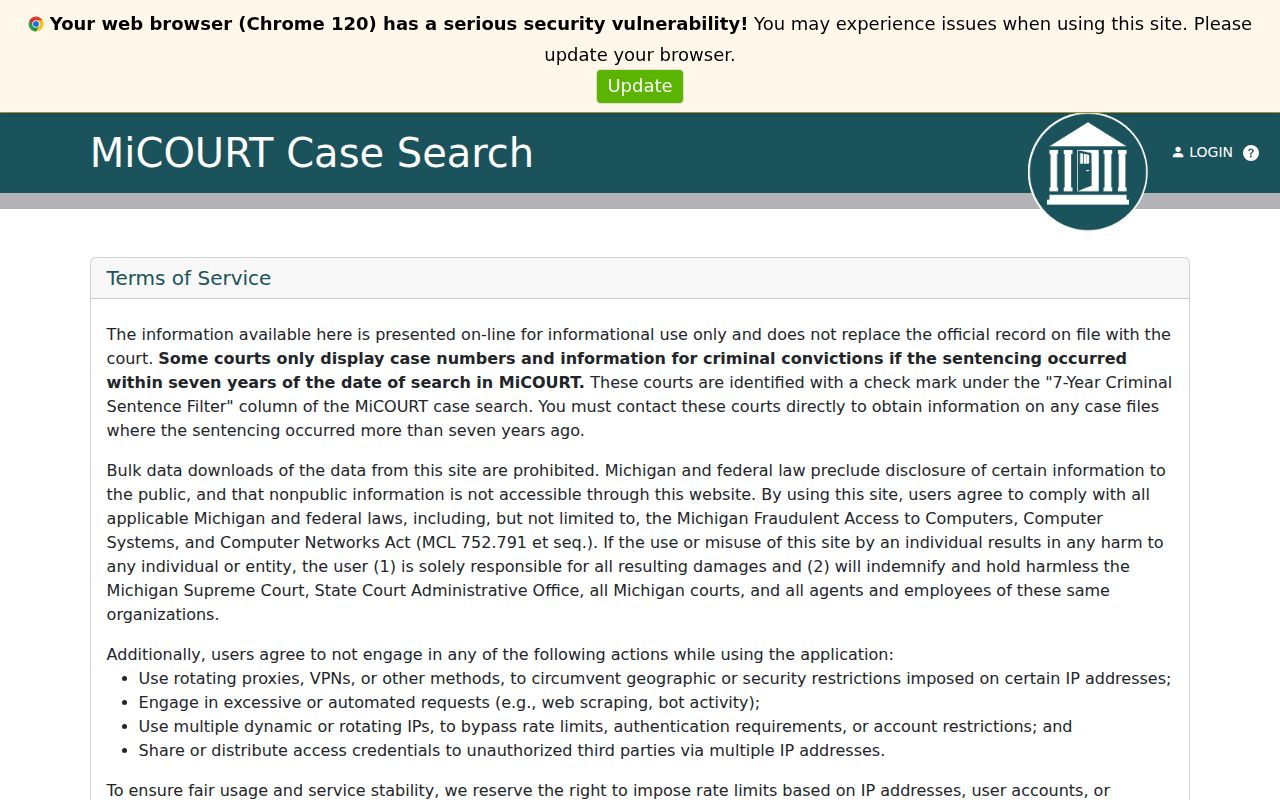
A court code helps when the caption alone does not show whether a Cass County case sits in District, Circuit, or Probate. That code points to the court that keeps the file.
How to Search Cases by Name
For a public name search, pick D04, C43, or P14 first. Then open the Name panel. The state specification requires Last Name or Business. First Name, Middle Name, and Birth Year are optional where the public screen offers them. Stick to the fields the public interface exposes. A birth-year field asks for a year, not a full date of birth.
- Open the appropriate Cass court's MiCOURT search and select the Name panel.
- Enter the required last name or business name, then add first or middle name only when it helps distinguish a result.
- Run Search and compare the court, caption, filing date, and case type before opening a result.
- Use the Show control if a public filter is offered, then use Clear before beginning a different Cass County case search.
- Contact the responsible file room when the public result does not answer a record, document, or hearing question.
| Field label | Type | Required | Public-use note |
|---|---|---|---|
| Last Name or Business | Text | Yes | Required field in the public name panel. |
| First Name | Text | No | Optional name detail. |
| Middle Name | Text | No | Optional name detail. |
| Birth Year | Text or year | No | Use only if shown by the current public screen. |
Note: A public name match needs court and case-type review before it can be treated as the relevant Cass County case.
Cass County Case Search Field Meanings
MiCOURT uses plain field names, but the record terms still matter. The court code marks the venue. D04 means District, C43 means Circuit, and P14 means Probate. A register of actions is the chronological record of case activity. A live docket shows daily hearings, and it is not necessarily the full case file. Knowing these distinctions helps a Cass County case search end at the correct source.
- Case lookup
- The public MiCOURT search interface for a selected court.
- Register of actions
- The chronological record of court activity, governed by Michigan court-record rules.
- Hearing setting
- A scheduled proceeding that can include date, time, judge, courtroom, and proceeding type.
- Suppressed
- A public-status concept showing that public display is limited; it does not decide facts or outcome.
On a Cass County case search, the case number and the court code work together. A register entry may show a setting. The fuller court file stays with the clerk responsible for it.
How to Search by Case Number
When a Cass County case number is known, use the Case Number panel. Go through the court that issued it. The public controls are Year, Number, and Type. Enter them as the notice or court document presents them. The format Year / Number / Type describes the screen fields, not a local case number pattern. The state API documentation offers an example number from Michigan materials. That example is not evidence of a Cass format. If the number returns nothing, confirm the venue, year, and type with the court. That beats turning the search into a guess.
Cass County Case Search Court Codes
Check the court code on every Cass County case search. D04 identifies 4th District Court. C43 identifies 43rd Circuit Court, and P14 identifies Cass Probate Court. District handles local traffic, misdemeanor, small-claims, and District civil matters. Circuit handles its civil cases and felonies after bindover. Probate keeps its own register for estates, guardianships, trusts, and protective matters. A code does not replace reading case type and public status. But it does stop a known District or Probate matter from being treated as a missing Circuit result.
Cass County Case Search No-Result Steps
An empty result can mean the search began in the wrong Cass court. Try a spelling or business-name variant. Then check the other court level when the subject supports it. A felony can begin in District Court and move to Circuit Court. Probate is a separate P14 venue. The Select Another Court control beats repeating the same search unchanged. The public exclusion list also matters. Adoption, juvenile and child-protective proceedings, mental-health matters, wills, PPOs, and other categories can be absent or limited. Older criminal information may be limited online under the state notice. For a missing, older, or restricted Cass County case, identify the court. Then ask its file room about the controlling record.
What a Case Search Shows
A Cass County case search returns public metadata and a case history. It does not return every document. Read the result as a court record index. The case number helps separate similar results. So do the caption, status, and filing date. A setting may appear through the register or a related live display. A filed image, certified copy, recording, or transcript can require a separate request.
| Case number | Court-assigned identifier, searched through the public Year, Number, and Type fields. |
|---|---|
| Style or caption | Court case title or parties, subject to public-view limits and redaction. |
| Case type | Subject classification that helps confirm the correct court and record. |
| Filed date | Date associated with the public case record, where the result exposes it. |
| Status | Public category such as open, closed, deferred, or disposed; read the underlying order for meaning. |
A search result is most useful when its court, record type, and visible dates agree with the notice in hand. Certification is no exception. The Cass County file room, not the screen, is the controlling source for certified records.
Cass County Case Search Filter Reset
Cass County case search screens usually offer two buttons. One sets a filter. The other is a Clear control. Filters help when a broad name search returns too much. But a filter left on can quietly narrow your next search too. Hit Clear before you look up a different person, business, or case number. That one habit matters. It keeps a trimmed list from looking like the full Cass County case search results.
Public and staff tools are not the same product. The 2015 state case-inquiry material lays out public, secured, and intranet modes. That is why clerks may use terms you never see on the public screen. It never promises that an internal control is open to the public today.
County vs Statewide Case Search
MiCOURT is the statewide public case-search layer. Cass County sits inside it as a set of separate court selections. Treat it as a window, not a database that replaces the court file. The landing notice says public search is informational. It may leave out case types or older material. For venue, the D04, C43, and P14 routes give you the practical choice. The file room remains the official-record fallback.
| MiCOURT public search | Cass court file room |
|---|---|
| Provides public, court-selected case lookup and available status information. | Maintains the controlling court record for copies, certification, missing matters, and access questions. |
| Uses public fields and public-access limits. | Can explain its own request process and restrictions under court rules. |
| Useful for locating a case and checking visible activity. | Useful when an official document or complete record is needed. |
Michigan Courts' MiCOURT case-search landing page publishes the statewide public-search framing and case-type links.
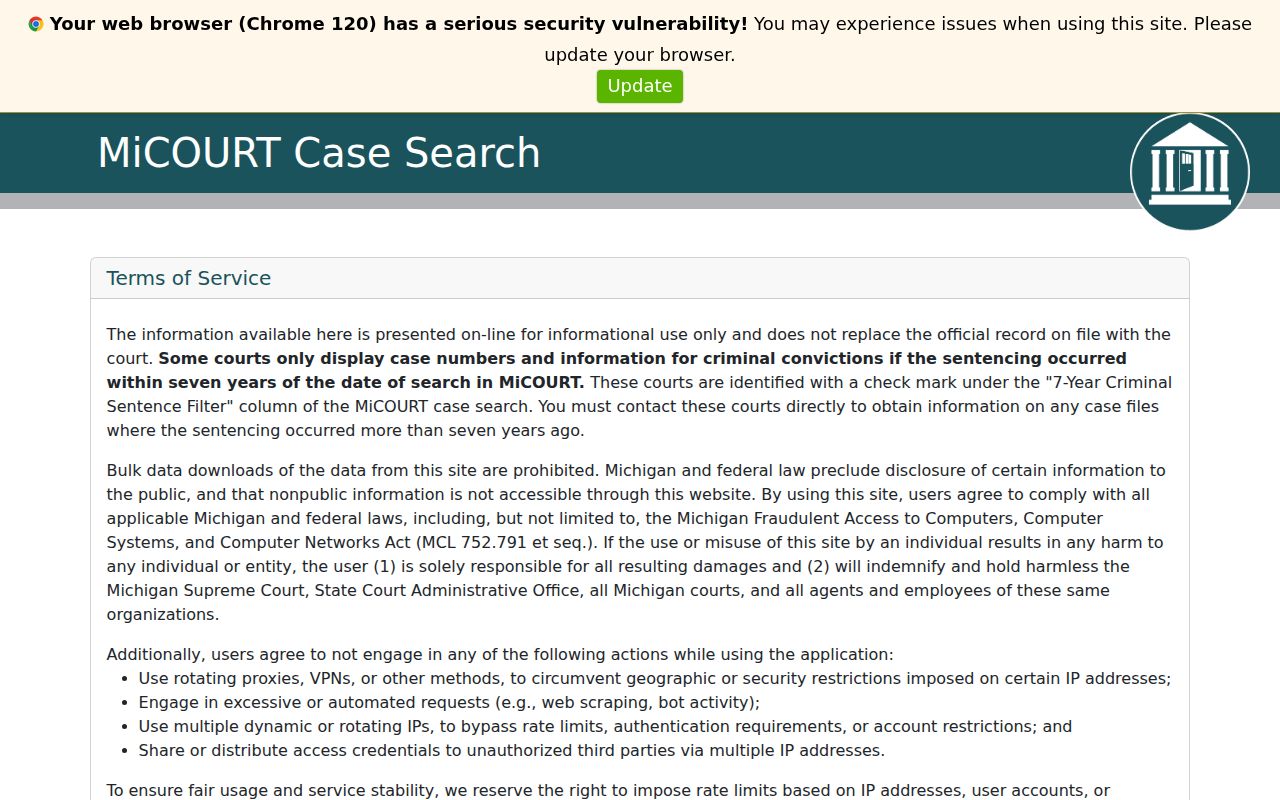
The landing view handles a case lookup. The Cass court you select and its clerk still set the official record route.
Cass County Case Search Permissions
The official MiCOURT API reference documents backend concepts: case type, status, public status, filing dates, and participant qualifiers. Knowing the vocabulary grants nothing. It does not expand what a public user may see. The documentation itself marks date of birth nonpublic. Staff-side terms like Exact Name, Begins With, Sounds Like, and restricted identifiers are not public Cass County case search fields.
A browser form and a technical schema serve different masters. The fields the public form discloses are your safe search path. When an identifier stays hidden, ask the court clerk. Do not guess at access from API wording.
Cass County Case Search and MiFILE
MiFILE is Michigan's filing and account service, not a public case display. Its directory confirms Cass 4th District participation. An account there is no substitute for a public docket lookup or a document request. Use MiCOURT to find public case information. Follow court instructions for filing or account matters.
Michigan's MiFILE available-courts directory shows the Cass District listing along with its court contact route.
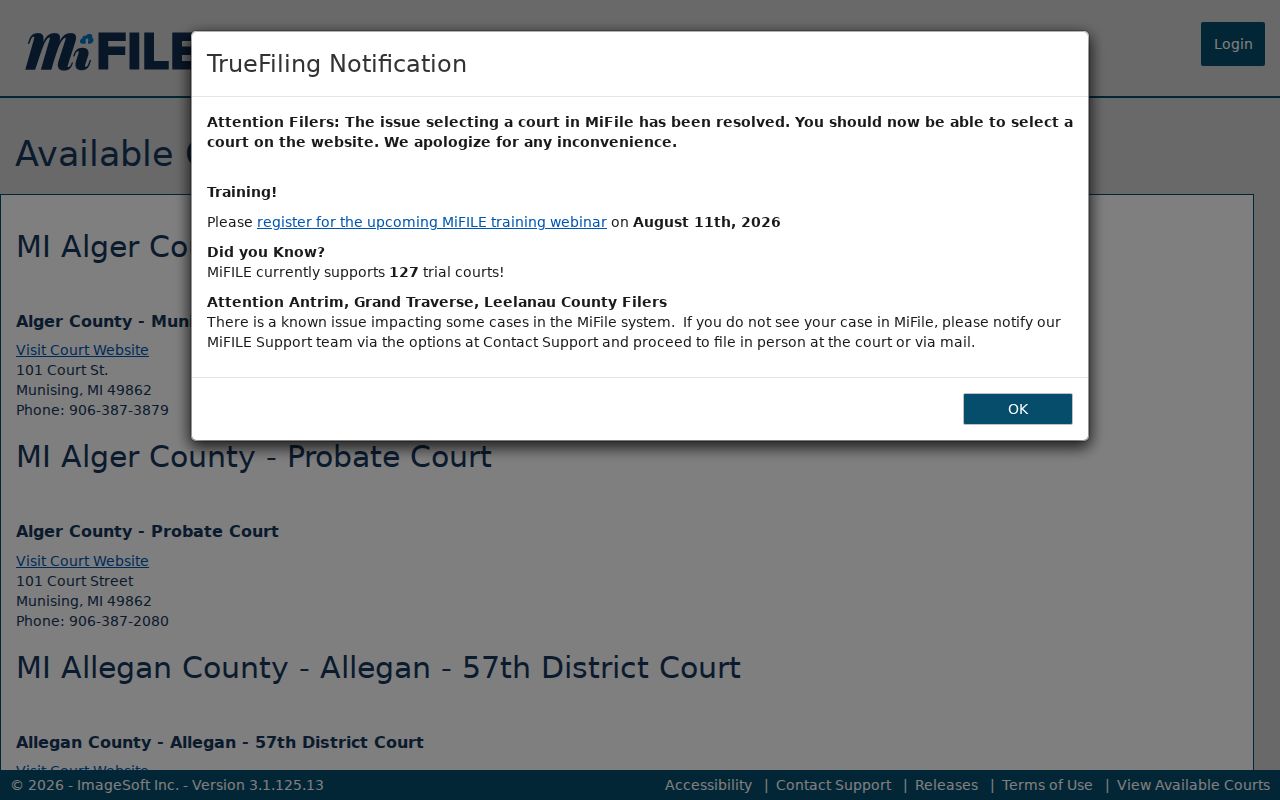
The directory helps with court participation and contact context. The public Cass County case search itself remains a MiCOURT function.
Restricted Cases and Access Rules
Michigan Court Rule 8.119 generally lets the public inspect and copy trial-court records unless a statute, court rule, or order restricts them. So a docket entry can appear online while the paper behind it still needs a request or a trip to the counter. Michigan's FOIA definition excludes the judiciary. Route a court-file request through court-record rules and the responsible Cass clerk, not a generic county FOIA office.
Protected personal identifying information covers dates of birth, Social Security or national identification numbers, and driver or state identification numbers. Passport details and financial account information count too. Family and juvenile matters can be confidential as well. Court staff explain procedure, not law. For a specific access limit or certified copy, ask the file room that holds the file.
Cass County Case Search Official Records
An online result is informational, never the official record. The Cass court handling the case has the answers. It can supply certified copies, document images, a restricted file, or a hearing answer. District matters go to the District file room; Circuit and Probate keep their own custodians. Bring the court code, case number, caption if needed, date range, and request type. That makes follow-up precise. Confirm any material detail with the originating court before acting on a search result.